Make your AI Hair Transformation video
Upload one front-facing photo. Long, straight dark hair works best. Full glam makeup comes first, then brushed-on bleach, blonde straightening and big waves, with a fixed background music track.
What happens in an AI Hair Transformation video?
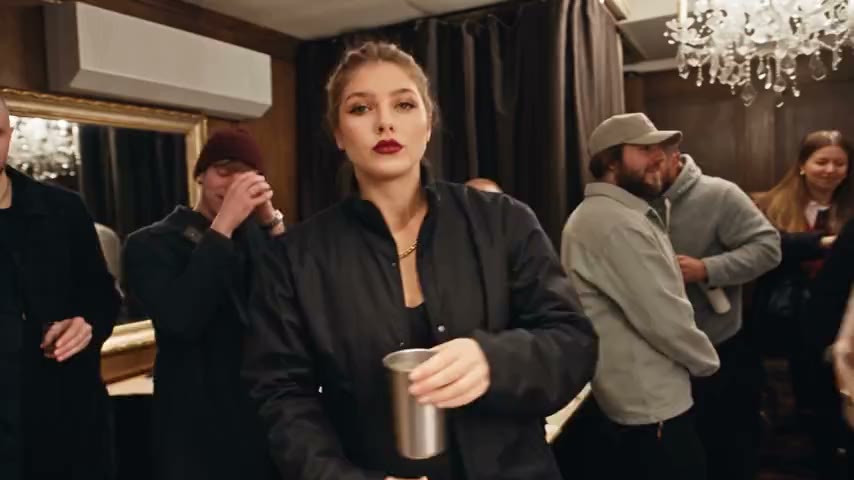
Your character starts in full glam, Western-style makeup, brushes on bleach, reveals straight blonde hair, uses a straightener and then curls it into big waves. The 12-second vertical clip includes a fixed background music track. Long, straight dark hair gives the starting sequence the best match. Includes a fixed background music track.
1 photo · 12 s · 9:16 · Vertical · 480p · no watermark · With background music
Template preview
How to make it
Use a clear, well-lit solo photo, head to waist. JPG / PNG / WEBP, up to 5 MB. You must be 18+.
Choose 1, 3 or 5 videos, enter your email and pay. No account needed. Or use an existing MemeVideo credit. Usually 5–9 minutes.
Save the 12-second vertical MP4. Includes a fixed background music track. Keep the AI disclosure when sharing. Videos stay here for 30 days.
Includes a fixed background music track.
What is the AI Hair Transformation trend?
The appeal is the fast sequence of visible styling steps, ending in a big blonde-wave reveal.
This is an AI effect demonstration, not a real dye result, a hair tutorial or a prediction of how your hair will look after bleaching. The makeup and hair are generated; your real appearance is unchanged.
Photo tips
Good: bright, solo, clear
Show your face and upper body. Use even light and a simple background. A suitable photo helps, but an exact likeness is not guaranteed.
Avoid: dark, blurred, covered
Avoid sunglasses, covered faces, distant subjects and group photos.
JPG / PNG / WEBP · up to 5 MB · Use your own photo, or a photo of an adult who gave you permission. 18+; no minors; no public figures.
Pricing
One-time. No account needed. Use them on any meme. Failed videos are refunded automatically as credits.
FAQ
What will my video show?
Your character starts in full glam, Western-style makeup, brushes on bleach, reveals straight blonde hair, uses a straightener and then curls it into big waves. The 12-second vertical clip includes a fixed background music track. Long, straight dark hair gives the starting sequence the best match.
Which photo should I use?
Use one clear front-facing adult photo with the whole head and hair visible. Long, straight dark hair works best; keep hair away from the face.
Does the video include sound?
Includes a fixed background music track.
Is this a real scene or result?
AI effect demonstration only. This is not a real dye result and does not predict what bleaching or styling would do to your hair. Use only your own or a consenting adult’s photo.
Do I need an account, and is it free?
No sign-up is needed. Creating a video costs one credit; one-time packs start at $9.90. There is no subscription. Samples are free to watch.
What happens if generation fails?
An undelivered video returns its reserved credit automatically. A delivered video is non-refundable, including if you dislike the result. Unused credits may be refunded within 14 days after payment.
How long are my files kept?
Photos are deleted 72 hours after upload. Finished videos are kept for 30 days; download yours before then.
Guides
Learn it. Then make it.
AI & responsible use
MemeVideo (memevideo.app) videos are AI-generated. Model: Seedance 2.5. Use your own photo, or a photo of an adult who gave you permission. 18+; no minors; no public figures. MemeVideo is an independent tool, not affiliated with TikTok or the creators of these memes. Independent AI effect. Not affiliated with TikTok.